Do you still find yourself watching three-hour YouTube tutorials just to figure out manual partitioning for a “vanilla” Arch Linux installation? If so, it’s time to take another look at the official installer.
Archinstall 4.0 officially dropped on March 30, 2026, and it brings a massive overhaul to how everyday users and enthusiasts experience Arch Linux. This release isn’t just a minor update—it’s a fundamental modernization of the look, performance, and under-the-hood stability of the installation process.
Here’s why Archinstall 4.0 is the tool that finally makes vanilla Arch accessible to “normal” users without sacrificing the power that enthusiasts crave.
1. A Fresh Look: The Modern “Textual” TUI
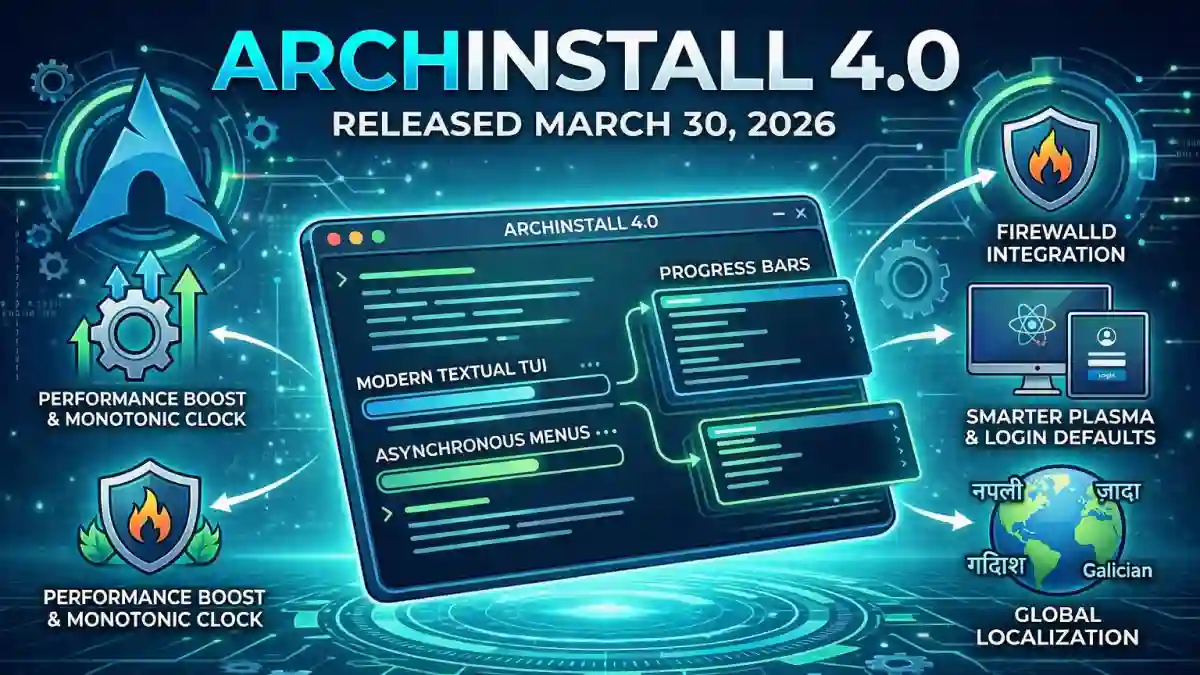
The most striking change in version 4.0 is the departure from the legacy curses library in favor of the modern Textual framework for the Terminal User Interface (TUI).
- Asynchronous Menus: The old interface could feel clunky and occasionally freeze during background tasks. The new Textual-based TUI is fully asynchronous, meaning the installer remains smooth and responsive even while it’s actively partitioning disks or downloading packages.
- Improved UX: The navigation is more intuitive, and the visual feedback is much clearer.
- Accessibility Focus: The developers are prioritizing feedback on this new UI, particularly regarding screen reader compatibility, aiming to make Arch Linux one of the most accessible distributions from the very first step.
2. Smarter Desktop and Boot Defaults
Setting up a desktop environment is now leaner and more intuitive. Archinstall 4.0 makes several key decisions that reduce system bloat right out of the gate.
- Plasma Improvements: If you choose KDE Plasma, the installer now uses the leaner
plasma-desktoppackage instead of the heavierplasma-metapackage. This gives you a cleaner foundation to build upon. - Login Manager: A new
plasma-login-manageroption is now selected by default. This ensures that after the installation is complete, you boot straight into a ready-to-go graphical login screen. - Boot Management: For power users, 4.0 introduces support for GRUB UKI (Unified Kernel Image) menu entries, aligning the installer with modern, evolving Linux boot processes.
3. Built-in Security with Firewalld
In 2026, security shouldn’t be an afterthought. Archinstall 4.0 now includes an integrated firewall menu directly in the guided setup.
Users can easily configure basic network security options, including installing and enabling firewalld with just a few clicks. This ensures that your fresh Arch installation is protected the moment you first connect to the internet.
4. Under-the-Hood Refinements
While the new TUI is the star of the show, a massive amount of work went into refactoring the core logic to make the installer incredibly stable and maintainable.
- Filesystem Tweaks: Support for NTFS as a root filesystem has been entirely removed, steering users toward more appropriate Linux-native filesystems. Furthermore, long-standing bugs regarding Btrfs partitions without defined mount points have been resolved.
- Dependency Injection: The developers reorganized modules like disk utilities, user authentication, mirrors, and Wi-Fi handling using dependency injection. This eliminates circular dependencies and makes the codebase much easier for the community to contribute to.
- Accurate Performance Timing: The installer now utilizes a monotonic clock to measure its own performance, giving you highly accurate data on exactly how long your installation took.
5. Reaching a Global Audience
The Arch community is truly global, and version 4.0 reflects this with expanded localization efforts.
- New Languages: The installer now fully supports Nepali and Galician.
- Updated Translations: Existing translations for Japanese, Italian, Turkish, Ukrainian, Spanish, Hindi, and several others received massive updates for better accuracy and clarity.
Testing it Safely
If you’re hesitant to try it on your main machine, the project now explicitly includes instructions for booting the Arch Linux ISO inside a Virtual Machine. This makes it easier than ever to test the new installation process safely before committing to bare metal.
Final Thoughts: The Easiest Way to Arch
Archinstall 4.0 marks a significant milestone in making Arch Linux more approachable without losing its “DIY” spirit. Whether you’re a seasoned veteran or a curious newcomer, the combination of the new Textual TUI and smarter defaults makes this the best time to spin up a fresh Arch installation.
What do you think of the new installer? Do you prefer the guided TUI or are you still a fan of the old-school manual command-line method? Let us know in the comments, and don’t forget to spin up a VM and try Archinstall 4.0 for yourself!